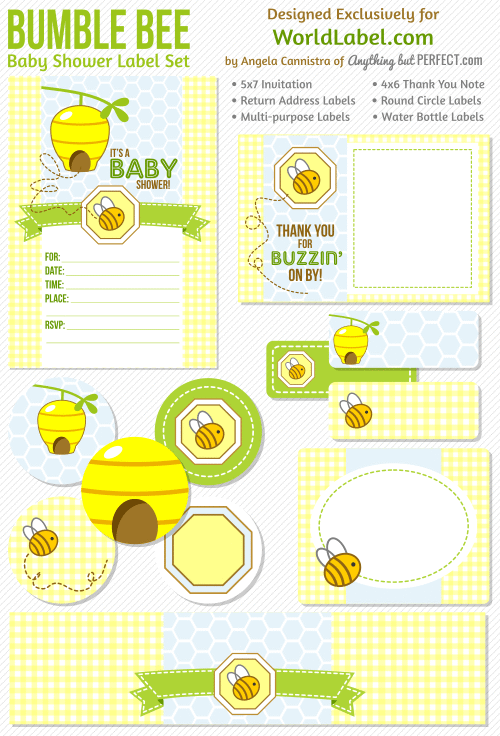
This really cute printable Bumble Bee baby shower set designed by Angela of Anythingbutperfect.com is FREE to download. This is the BLUE set, see the Baby Shower Labels in PINK set for girls. Printables are in fillable / editable PDF templates for easy customizing and printing on you laser and inkjets.
Category Archives: Labels & Printing
Baby Shower Labels in a Bumble Bee Girls Theme
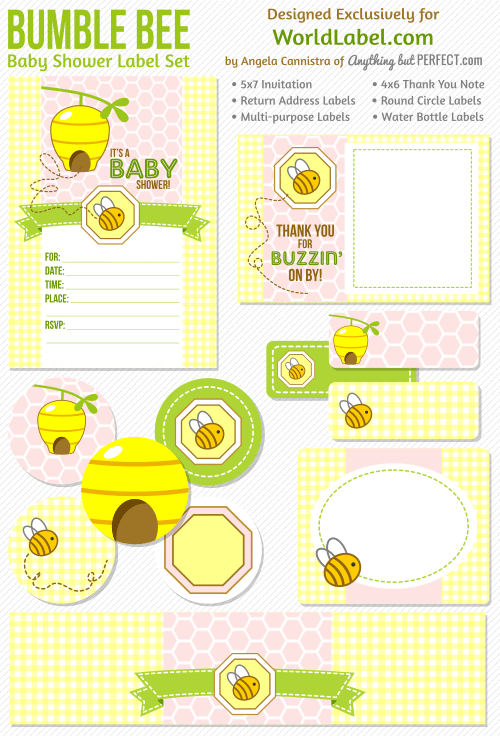
This really cute printable Bumble Bee baby shower set designed by Angela of Anythingbutperfect.com is FREE to download. This is the PINK set, the set for BLUE to follow very soon -:) Printables are in fillable / editable PDF templates for easy customizing and printing on you laser and inkjets.
To print use Worldlabel.com products:
File Folder Labels in Printable templates
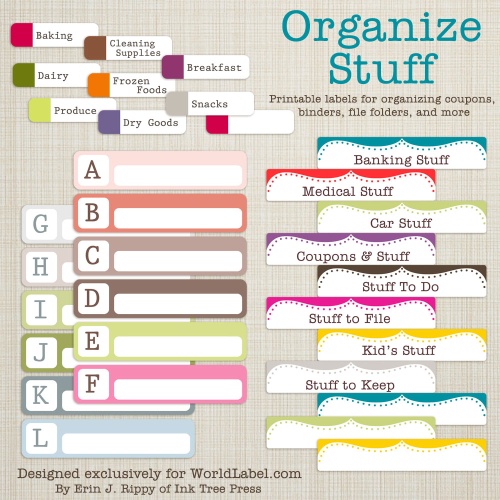
Basic File folder labels in PDF templates ready for you to print on your laser and inkjet printers. Templates are fillable and editable. Two basic colored design sets to choose from and they all FREE.
Use Worldlabel WL-200 File Folder Labels

SEE MORE FILE FOLDER AND ORGANIZING LABELS:
Facebook Labels and Stickers Free
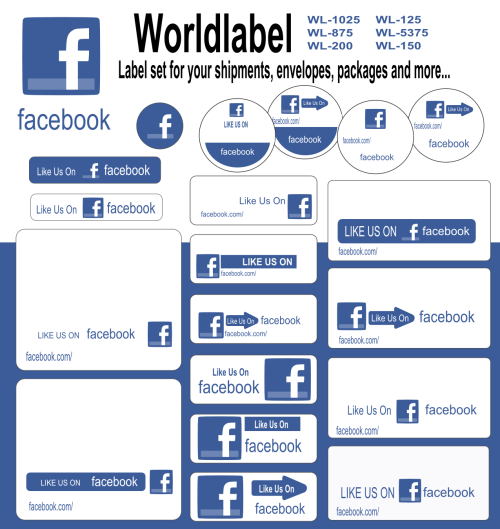
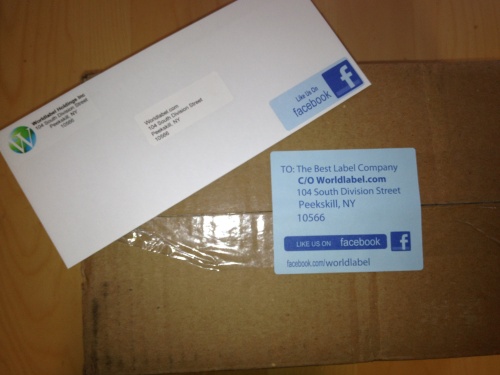
Start promoting your FACEBOOK page to all your customers, friends, business associates and acquaintances. Use these labels and stickers on your packages, mailings, envelopes, shipments so folks will know that they can find you on on Facebook.
Labels are in PDF fillable editable and printable templates. If you highlight text and press Control + E, a font properties window will pop up allowing you to change font types, color and size. For best results, use Adobe Reader 9 or higher.
To print use WorldLabel.com Products:
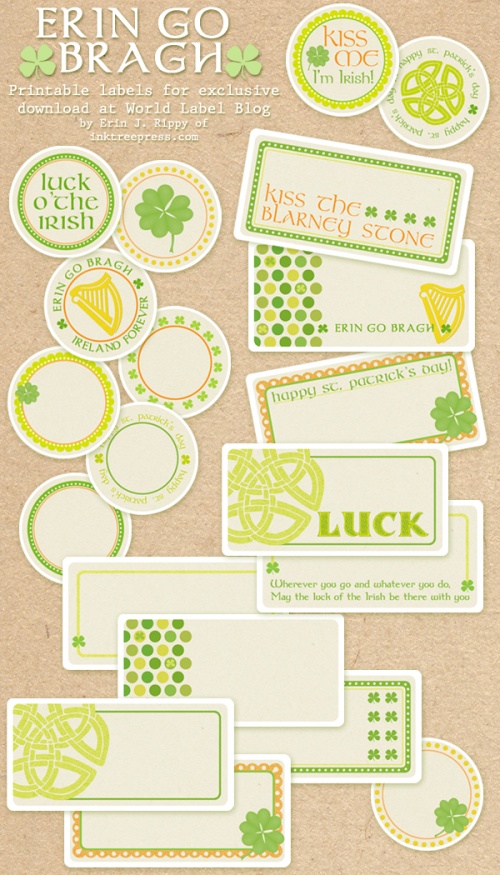
St Patrick’s Day Labels By InkTreePress
St Patrick’s Day labels designed by Erin Rippy of Ink Tree Press. The Labels are in printable PDF templates ready to print on your laser and inkjet printers. ERIN GO BRAGH!
To print use:
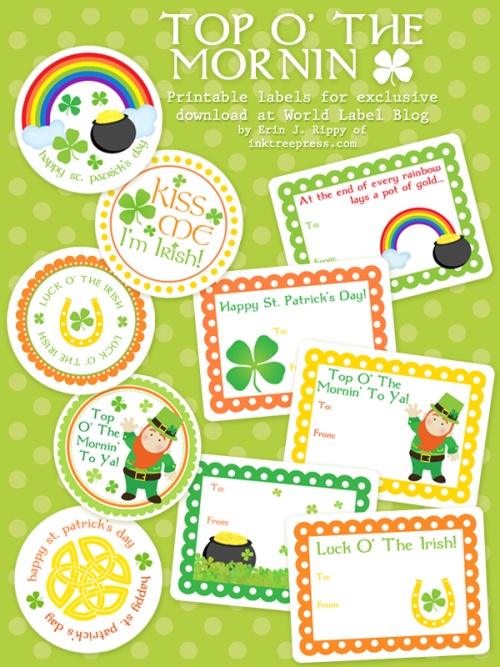
St Patrick’s Day Labels and Stickers
This splendid set of St Patrick’s Day Labels are free and designed by Erin Rippy of Ink Tree Press. Labels and stickers are in printable PDF templates and you can print them on your laser or inkjet printers.
To print use Worldlabel.com Products:
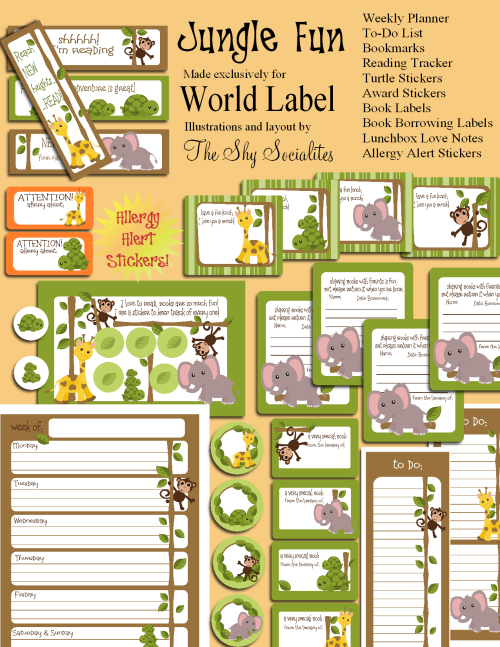
Kids Labels Jungle Gym Super Pack FREE
Kids labels in a jungle gym theme by ShySocialites. Very cute Book labels, lunchbox love notes, reading tracker, allergy alert and so much more in printable PDF tempaltes. How sweet is the baby Elephant -:)
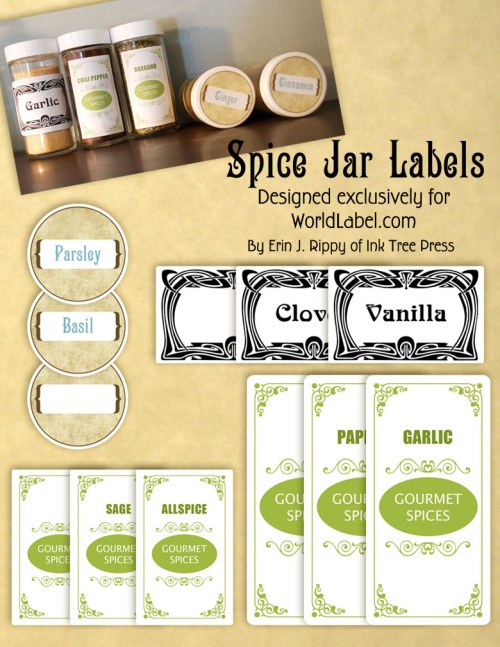
Spice Jar Labels by Ink Tree Press
These Spice Jar Labels are FREE for download! Designed by Ink Tree Press, they are fillable / editable printable PDF templates for printing on your laser and inkjet printers.
To print use Worldlabel.com products:
Mail Merge Address Labels in the Excellent Free LibreOffice

We learned how to create fancy return address labels with LibreOffice in our last installment. Today we’re going to tackle mail merge. Mail merge is a powerful, time-saving word processor feature for addressing mass-mailings and form letters. It’s easy but a little weird in LibreOffice, so follow along and learn how to be a mail merge guru.
Address Labels and Form Letters.
If you’re not familiar with LibreOffice, it is a superior offshoot of the popular free office suite OpenOffice. LibreOffice is cross-platform and runs on Linux, Mac, and Windows, and provides a word processor, database, spreadsheet, drawing program, and slideshow creator. With LibreOffice you can create address labels and form letters. It all starts with your database of addresses, and then following the not-very-intuitive steps to merge your addresses into your document. This is not well-documented in the LibreOffice help documents, and if you try to figure it out yourself you’ll get lost. So follow along and learn the right way– it’s an easy few steps when you know how. If you don’t have an address database, you don’t have to be a guru to create one because we’ll show how to do that too.
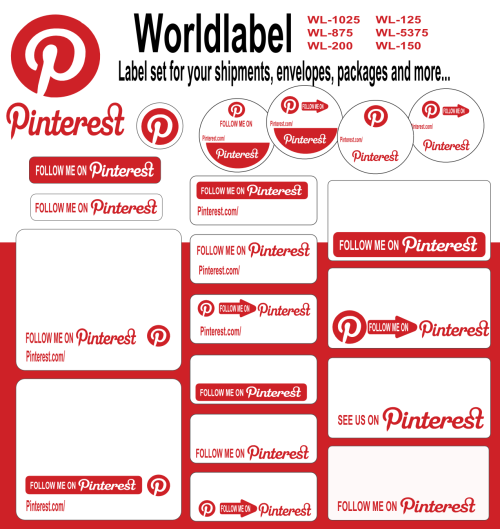
Pinterest label set for all you packages, envelopes, mailings and more!
Start promoting your Pinterest boards to all your friends, customers and acquaintances. Use these labels and stickers on your packages, mailings, envelopes, shipments so folks will know that they can find you on Pinterest.
Labels are in PDF editable and printable templates. If you highlight text and press Control + E, a font properties window will pop up allowing you to change font types, color and size. For best results, use Adobe Reader 9 or higher.
To print use WorldLabel.com Products: