
Are you still stumped for ideas for your wedding labels? Don’t worry, as we keep designing and giving your great labels in sets. If you missed our first collection of wedding labels, this second set proves our claim! You’ll find our new designs below, all in free fillable PDF label templates for U.S. letter-size label sheets. Wrap around Envelope labels, flavor box, Monogram Sticker and more! Look below for links to download these free label templates in complete sets.
Please also check out our free fillable PDF wedding planner
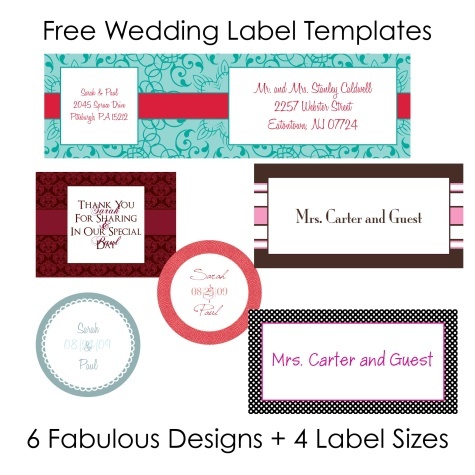
Each Set Contains:
1) 2″ round labels – envelope seal or invitation pocketfold seal
2) 4×2″ Shipping Label rectangle – inner envelope address label or seating chart/place card label
3) 7×2 envelope wrap Label – guest and return address label
4) 2.67X2″ rectangle – Guest address label for invites or save the date
Specs: These Wedding labels in PDF are cross-platform and application independent. They will work on Mac OSX, Linux, Windows, Solaris and other operating systems. There can be compatibility issues among different PDF Readers. For optimum performance and full use of all functions, we recommend you download for free Adobe PDF Reader version 9.
Fonts: If you want to change the font type, size or color, (as well as bold, italics, etc.) select Control +E if you’re using a PC or Apple + E on a Mac. A toolbar will appear giving you additional text properties. Select “More” in the font properties toolbar for paragraph alignment and more.

Font ToolBar
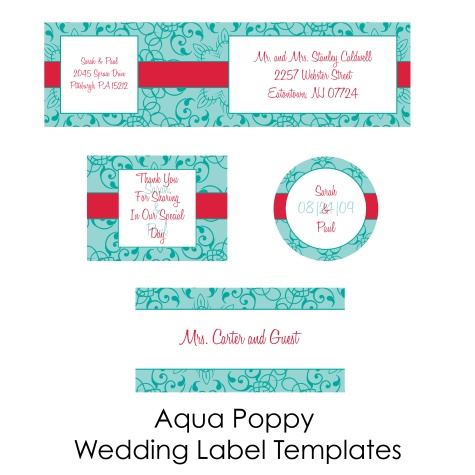
DOWNLOAD THE SET (ZIP)

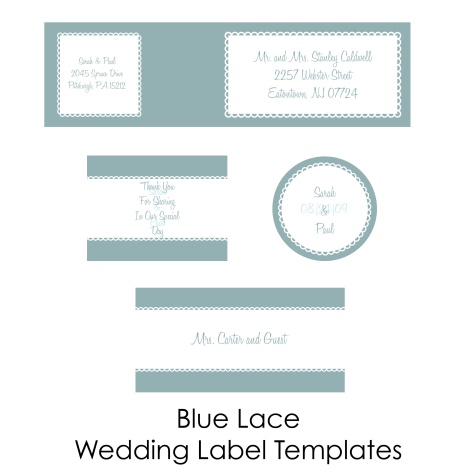
DOWNLOAD THE SET (ZIP)
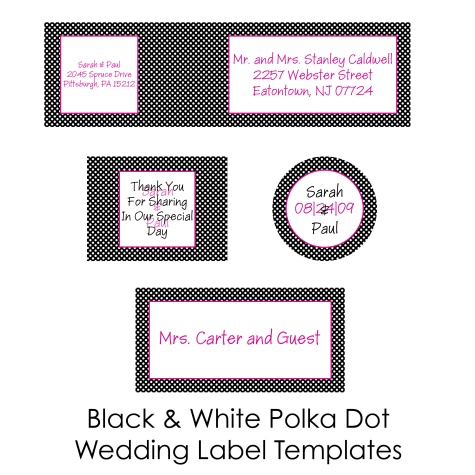
DOWNLOAD THE SET (ZIP)
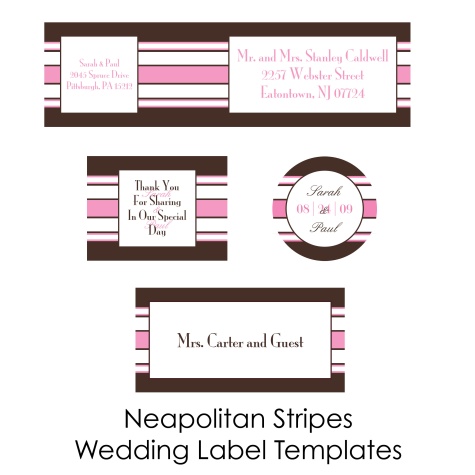 DOWNLOAD THE SET (ZIP)
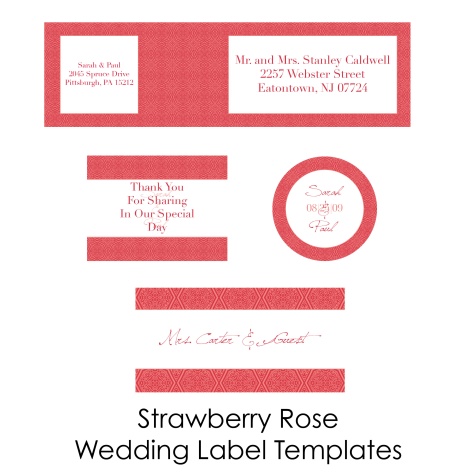
DOWNLOAD THE SET (ZIP)
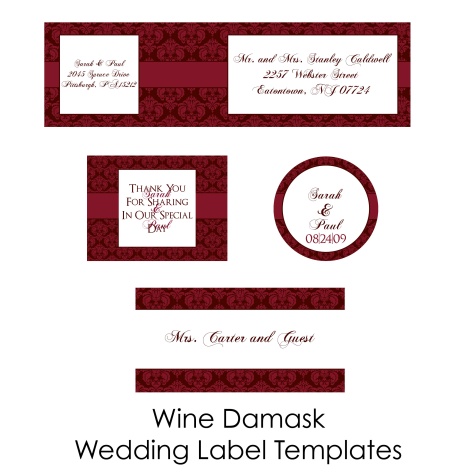 DOWNLOAD THE SET (ZIP)
Visit Worldlabel.com and check out our large selection of Labels for Laser and Inkjet Printers
Pingback: Wedding Labels for Free in Fillable PDF | WorldLabel
Hi, I love the aqua and poppy wrap around label. I was wondering if there is any possible way to just change the stripe to a chocolate brown? I haven’t been able to figure out how to do this, or create one on my own. Thanks.
Pingback: Our Labels used in a beautiful way | Worldlabel Blog
Thank You
i really loved these templates especially the wine damask…i was wondering if there was anyway to change the colors?
Hi Samantha
To edit them you would need a graphic design program like Photoshop, illustrator, gimp in order to adjust colors.
Hello,
Is there a way to turn off autofill on the blue lace templates?
Hi Remy, i will try see if i can get one made up and emailed to you. Otherwise, the only way is to open them in a Graphic design program like PS and insert the text.
Would you be willing to create a navy version the “Wine damask” label for me? I love these 🙂
Hi! I can’t download this help…love it!
Hi
Please right click on link and then you can save.
Thank you
thanks so much! this is awesome! wondering if therez any template available for already-cut printable vinyl. mine’s already cut into 3×9 on A4 paper
Hi there,
Is there anyway to turn off the auto-fill on the Neapolitan Stripes envelope wrap?
Thanks 🙂
Can anyone help me figure out how to turn off the auto-fill on the Neapolitan Stripes envelope wrap? Thanks very much 🙂
Hi Bernadette
Thank you for your comment. Unfortunately, there is no way to turn it off. What you can do is open up the template in a graphic design program like Photoshop, Illustrator and others and edit each label field with different text.
Hope that helps you
Best
Russ
I just love the winedamask, just finished downloading it. How do i change the font type and how do I write different names on the individual label. Its automatically filling in all of them if i change one label.