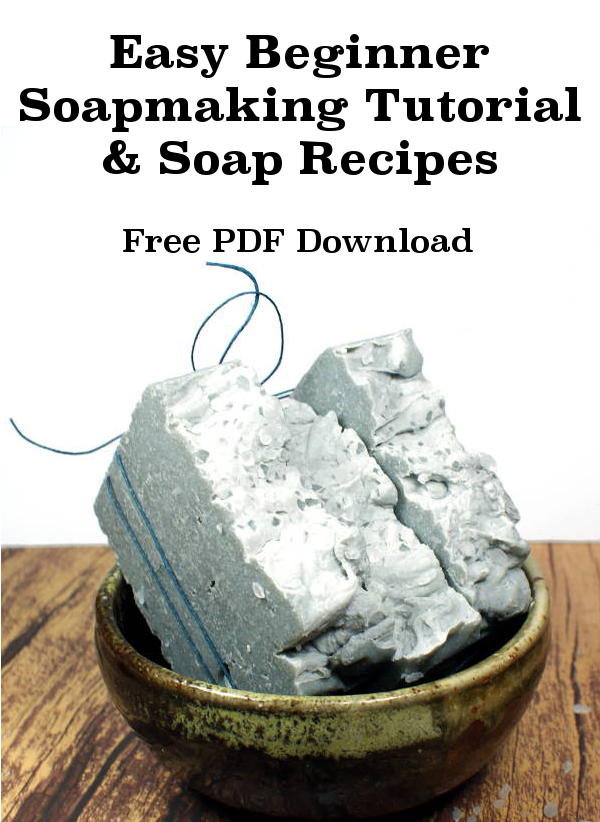
Making Cold Process Soap for the First Time? How to make soap & beginner soap recipes to get you started!
The Beginners Soapmaking Instructions and Recipes Revised, a free ePDF booklet by Rebecca D. Dillon
How many times have you stopped at a soap table at a farmers’ market or at a trade show and thought to yourself, “I could do that!” But, when you returned home and looked up the processes, the amount of time involved, and the mysterious lingo, you talked yourself out of this project. No way, you figure, can you make the effort to learn all about making soap without a master’s degree in chemistry at the very least.
Although the soap-making business seems pretty straightforward, according to the article that Marla Bosworth wrote for us, it’s the actual soap making process that has you worried.
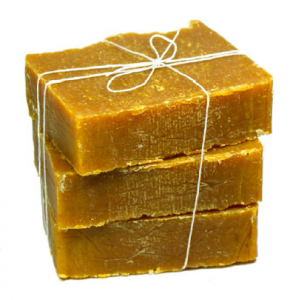 Thanks to Rebecca D. Dillon of Rebecca’s Soap Delicatessen , you can learn how to make soap step-by-step. Plus, Rebecca remembers her own fears and uneasiness when she first started making soaps. She shares how she overcame those barriers to own her own soap business in this tutorial. And, she teaches you how to decipher and handle all the mysterious chemicals that go into making a bar of soap. Rebecca writes:
“The scariest thing for me when I first started making soap was working with lye. Lye – also known as sodium hydroxide – is a necessary part of making homemade soaps. Without lye, there simply is no soap…Yes, lye is a little scary. However, once I finally dove in and made cold process soaps for the first time, I realized that it wasn’t nearly as terrifying as I thought it would be. I’ve found that tutorials on soapmaking tend to have you be overly cautious about working with lye so it seems frightening. The truth of the matter is however, it isn’t frightening as long as you have sound knowledge of what you’re doing going in, and you take simply safety precautions – just like in high school chemistry class. So purchase some goggles, some gloves and for kicks you can also go with a fancy new rockabilly apron just so you have some great photos to share on your social media.”
So there you have it…you must work with lye. But what about fat percentages, oils, butters…and how much essential oil should you use for each batch of soap?
Rebecca answers all those questions as well, and also provides information on how to create your own soap recipes. If that thought scares you as well, she offers some of her own soap recipes for starters.
Rebecca doesn’t act like the “be-all and end-all” for soap making. In fact, she encourages readers to watch YouTube videos or to enlist the help of a soap-making friend to learn more information. After all, some of us learn by watching, not by reading.
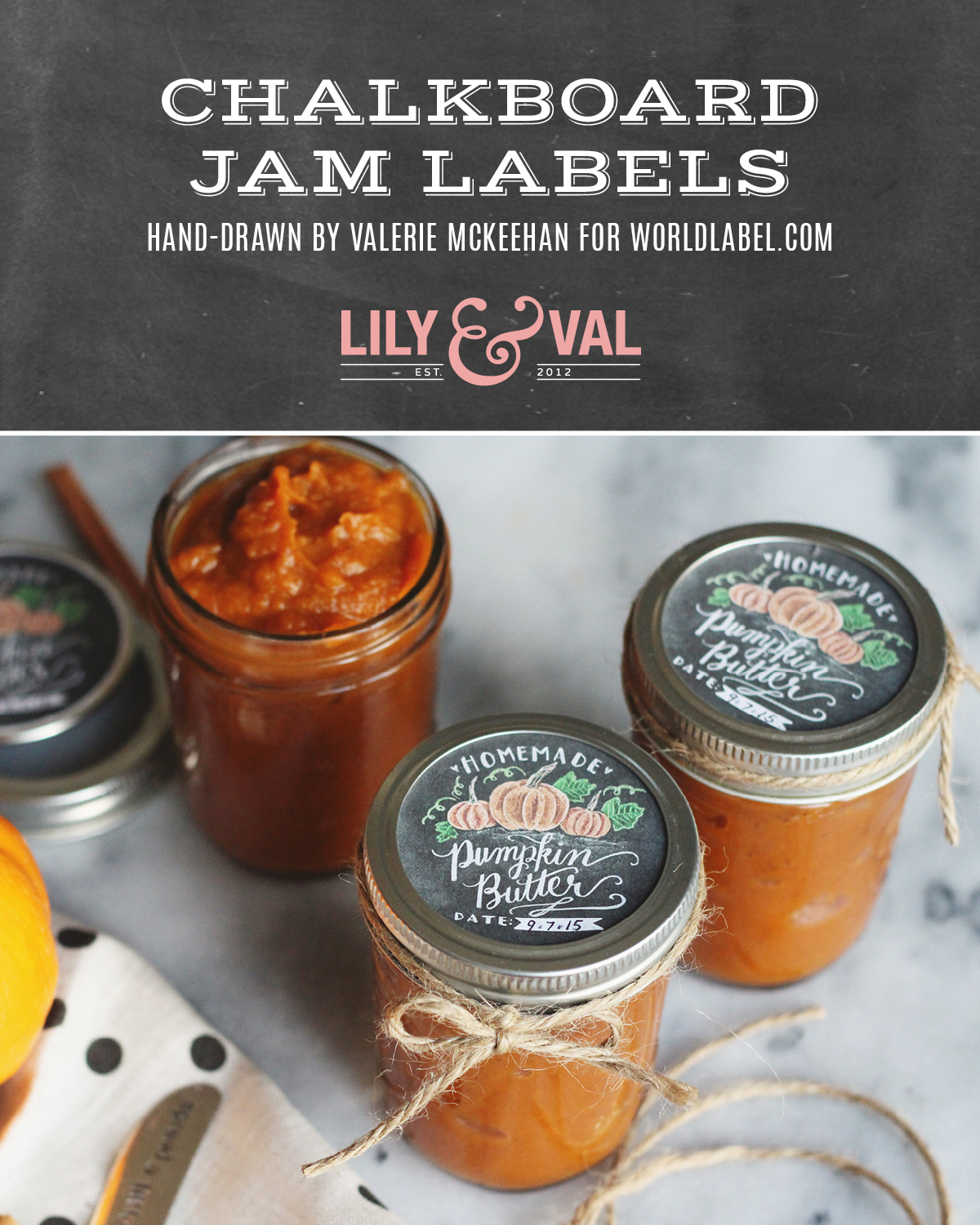
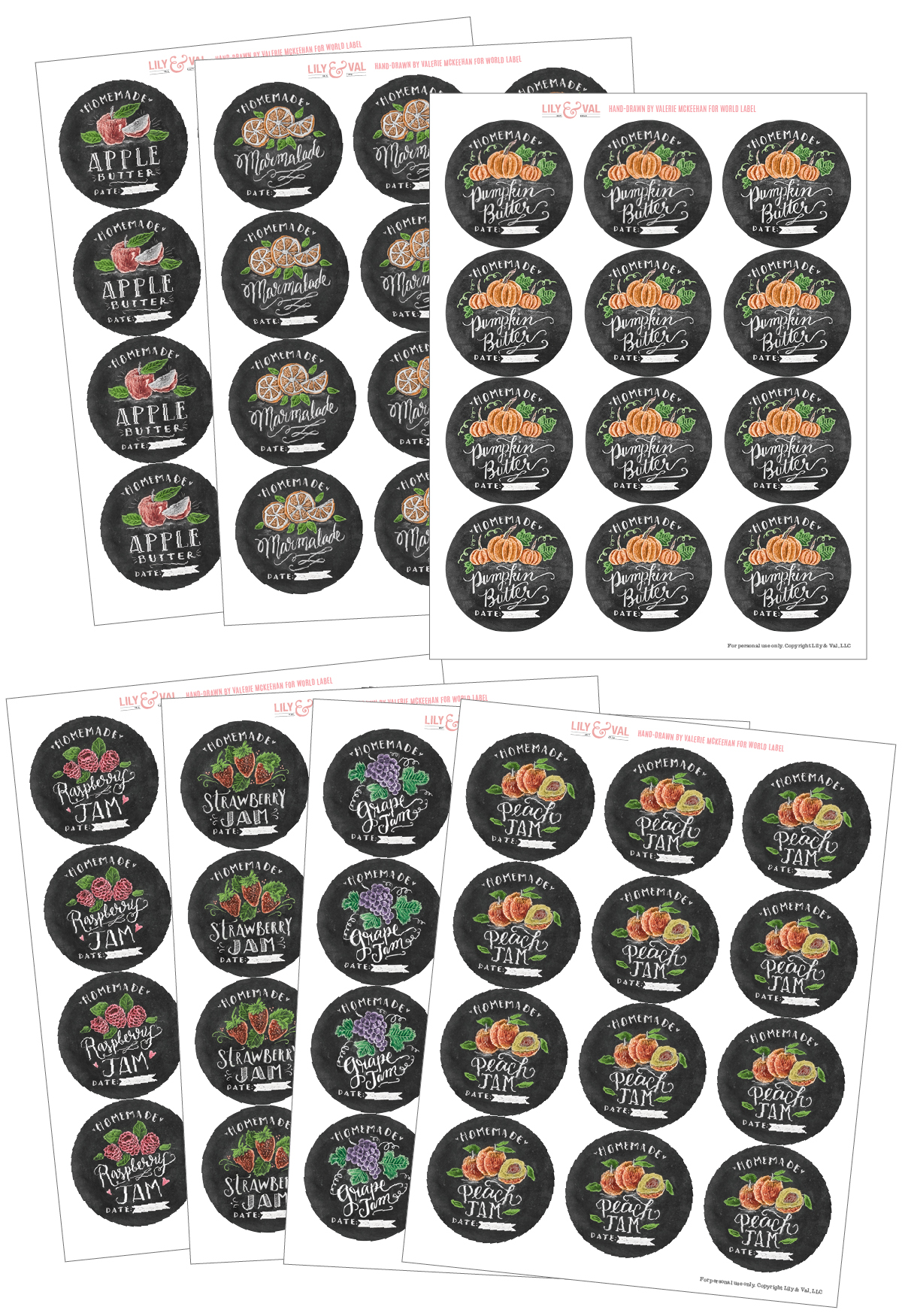
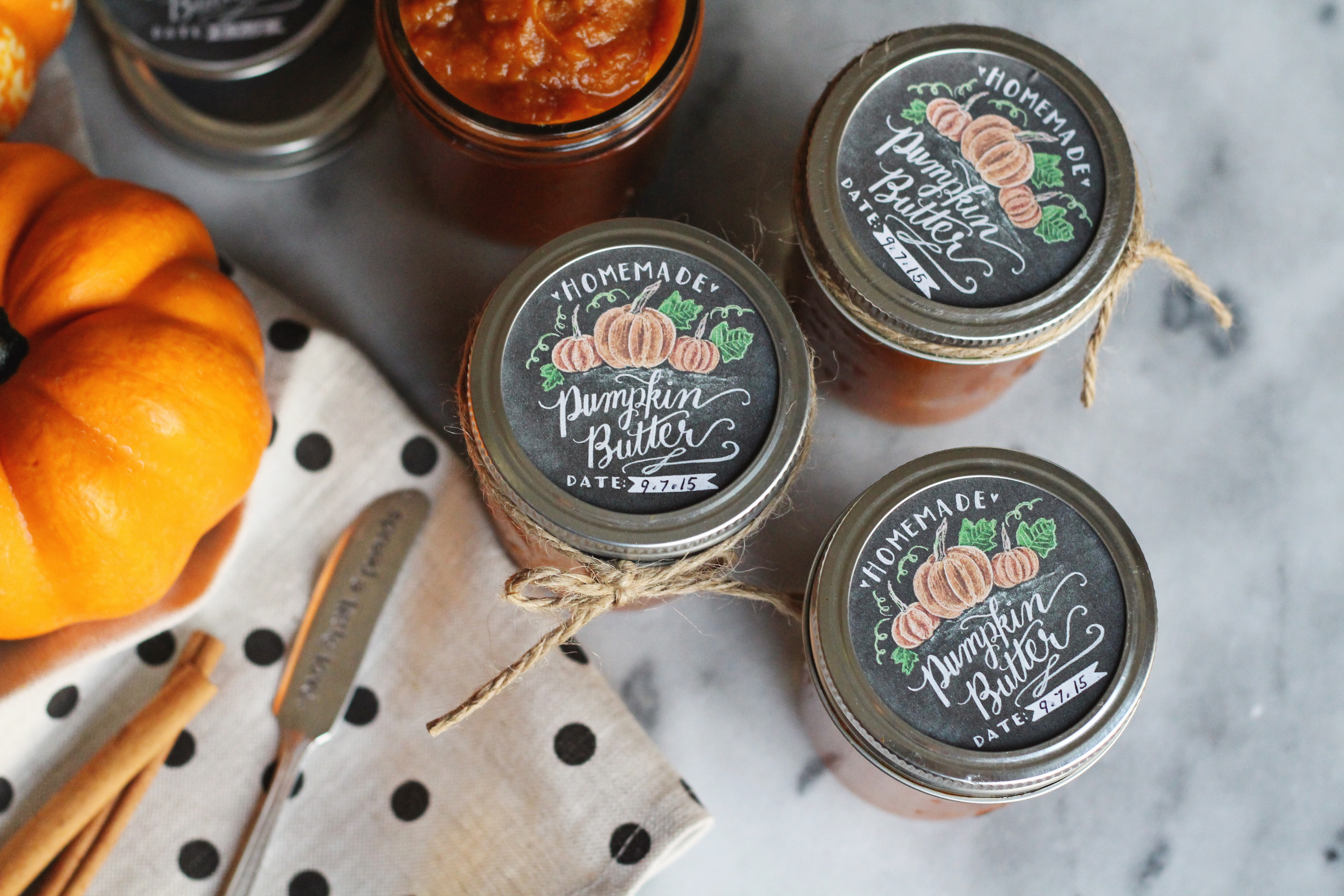
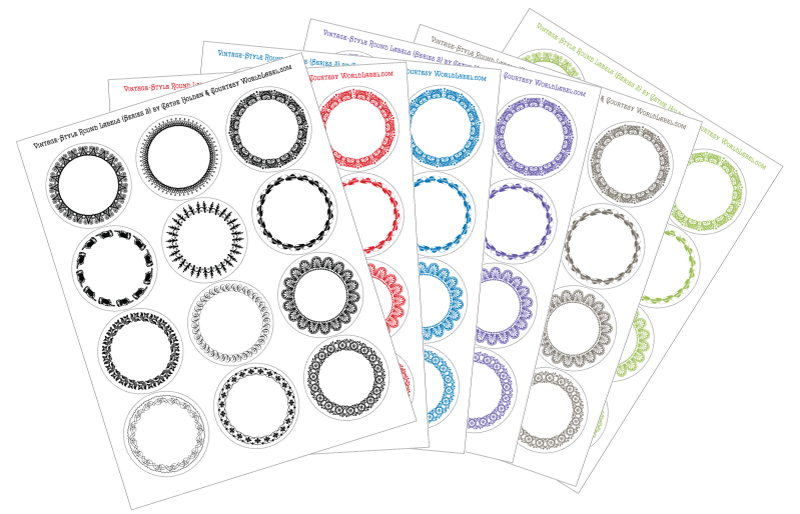
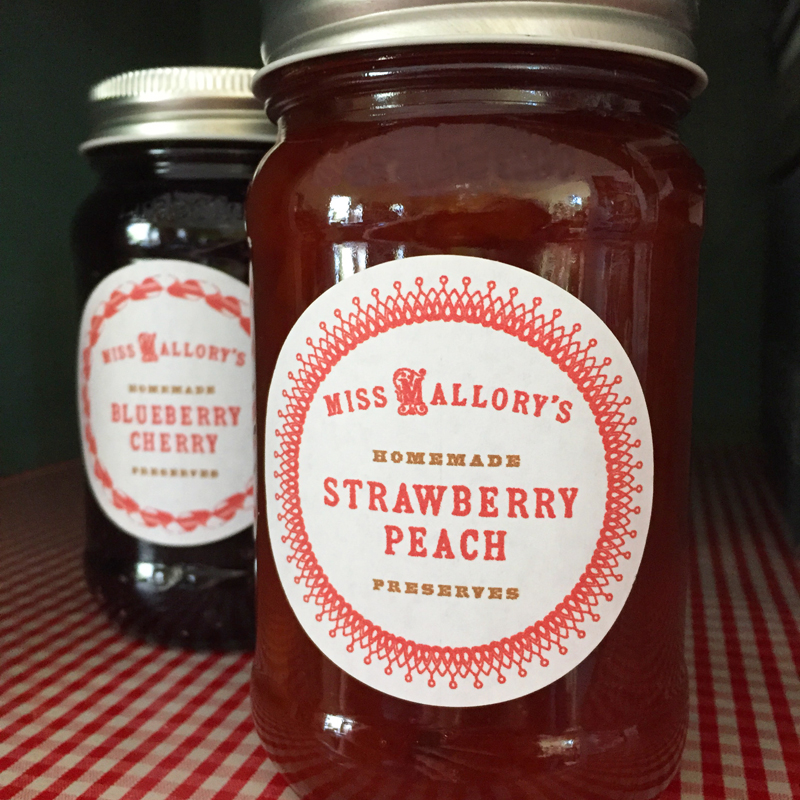
With that said, Rebecca’s tutorial is one of the easiest and most down-to-earth documents I’ve ever read about soap making. In fact, she’s encouraged me to actually give it a shot…and, she’s included some great advice and images on creating my own soap labels. Creating packaging for home-made soap is relatively painless. Worldlabel also offers help with their blank printable soap-making labels for laser and inkjet printers. Plus, they offer collections of soap labels that you can modify and use as your own.
Please find the complete 37-page PDF booklet bellow. It contains a basic cold process soapmaking tutorial, information on using a lye calculator, a detailed description for creating your own recipes, eight beginner soap recipes, a tutorial on creating your own custom soap labels, and resources and references that link to online suppliers.
DOWNLOAD THE BEGINENERS SOAPMAKING INSTRUCTIONS AND RECIPES REVISED PDF EBOOK

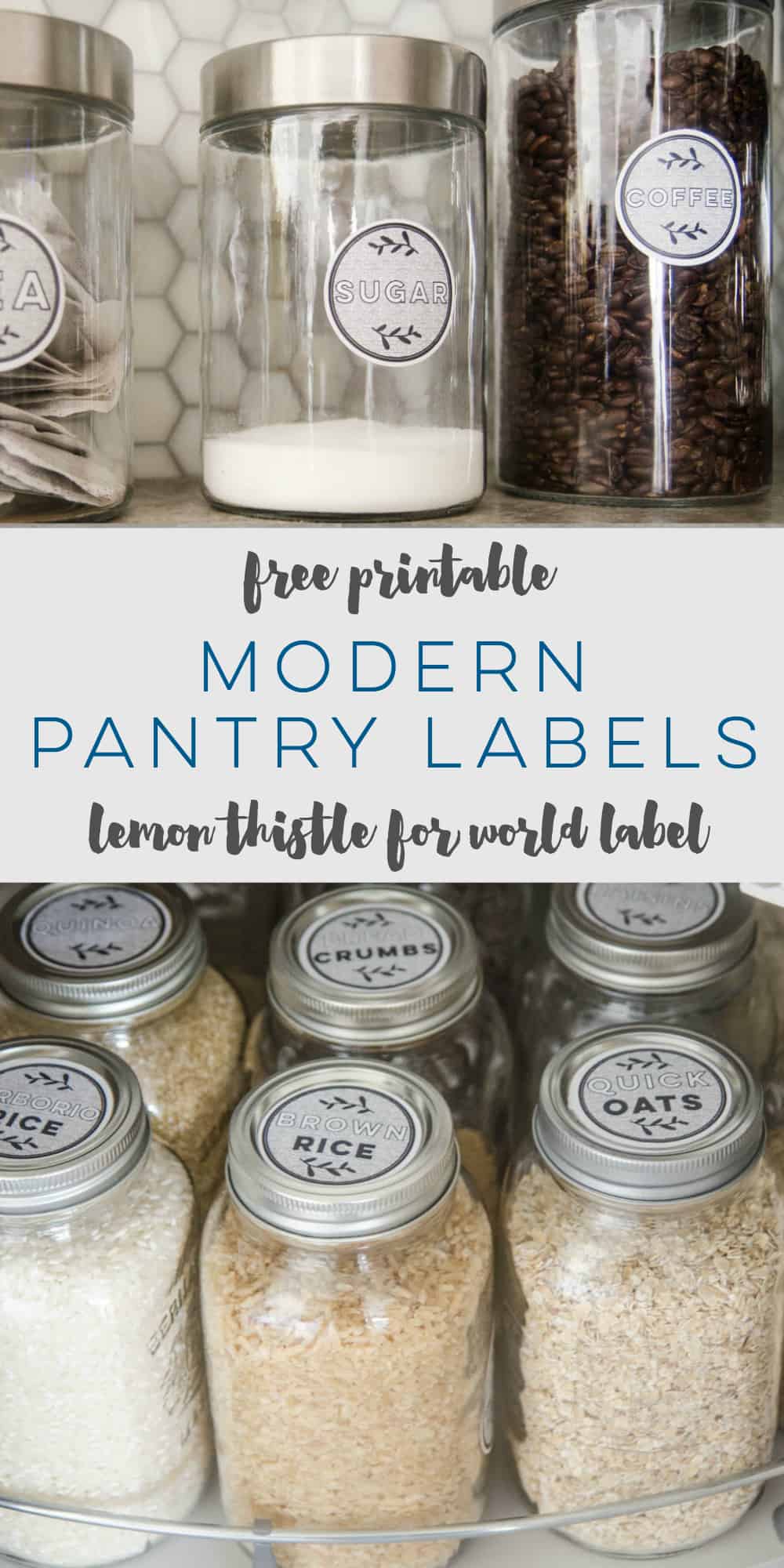
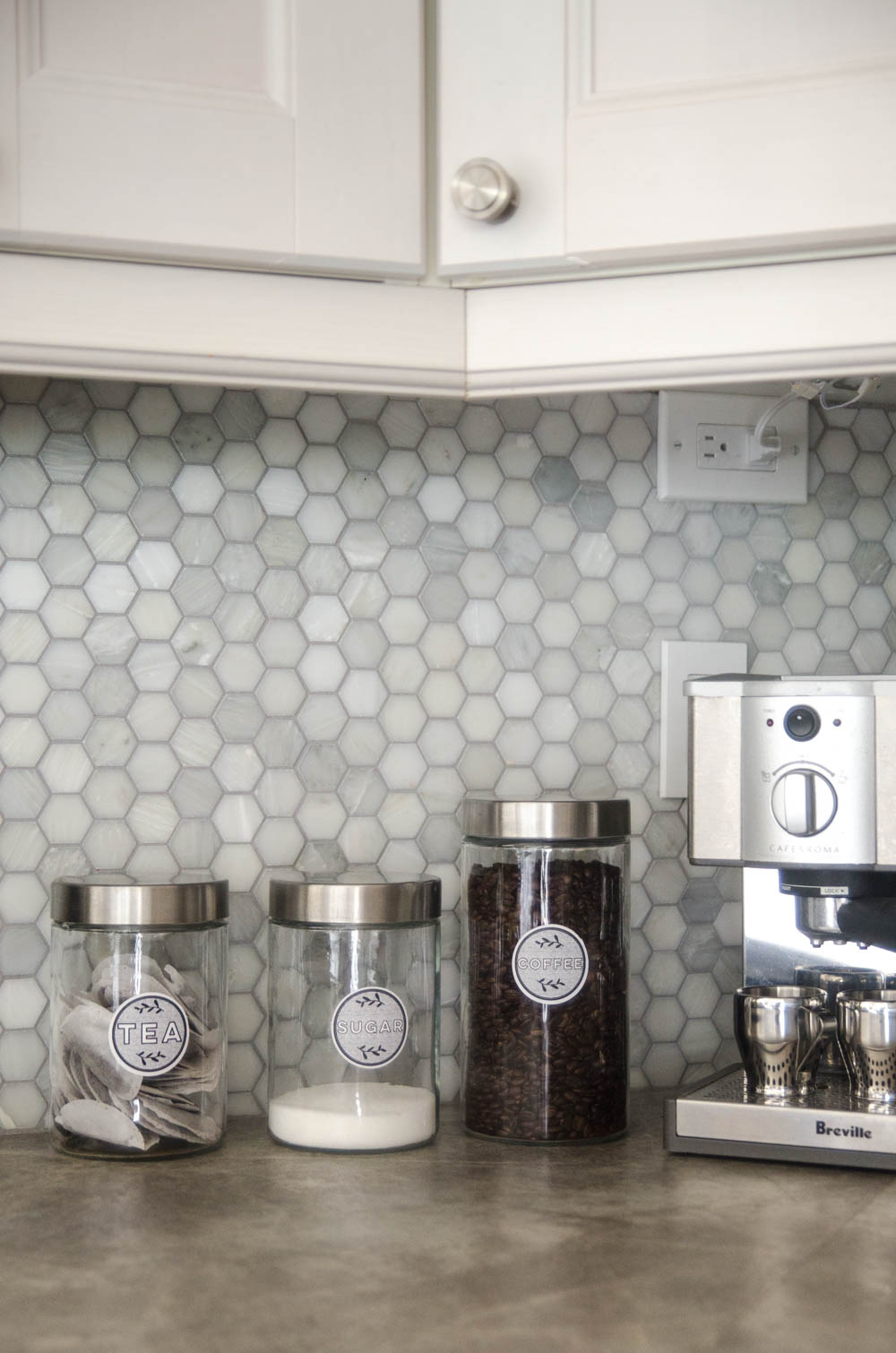


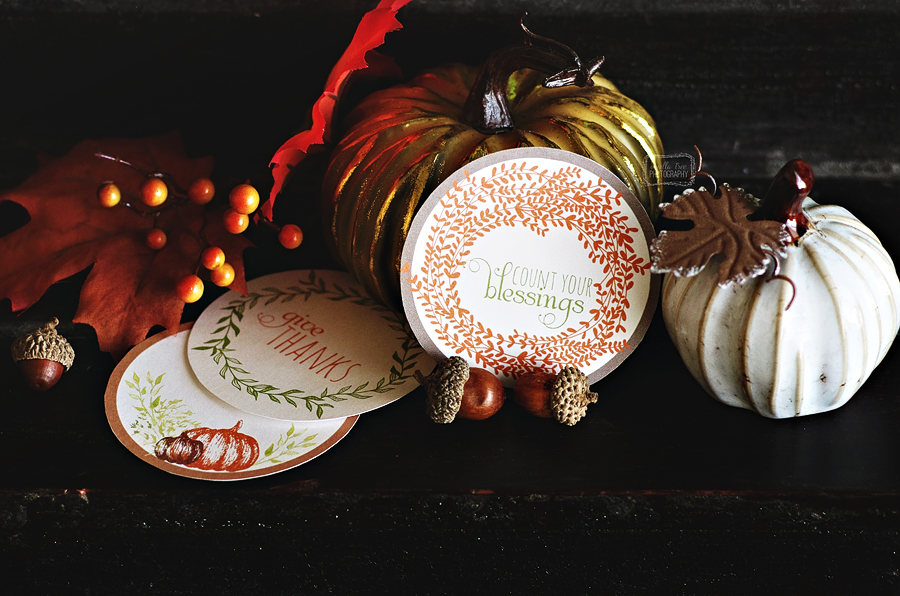
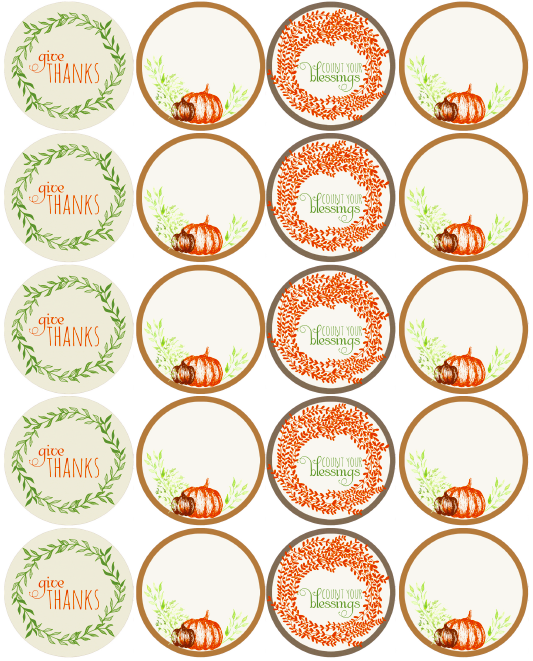
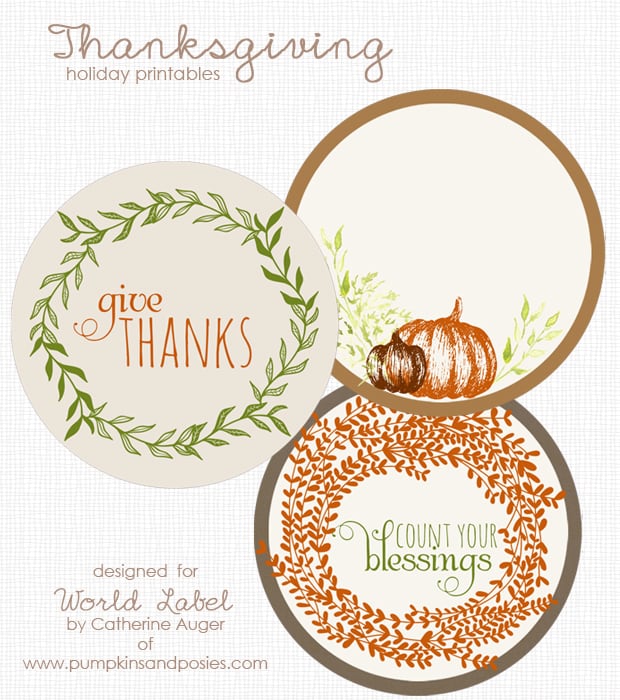 Thanksgiving is all ways a special time of year. Here are designed labels you can use for all your thanksgiving left over dinners. Also included are some labels for your Thanksgiving wine bottle labels. These labels are design by