Category Archives: Labels & Printing

View all posts listed under Labels & Printing.

Free Soap Labels & Candle Labels Biz Starter Kit

soap

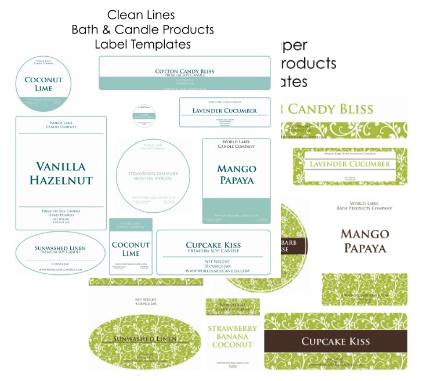
Are you starting your own small soap or candle business. Are you stumped for ideas on your labels? Worry no more! We’re offering free fillable labels in PDF label templates for U.S. letter-size label sheets. There are two starter label designs to choose from. Each design has 10 different sized labels in rectangular shapes, oval and round labels.
Continue reading

Creating Labels for Canning

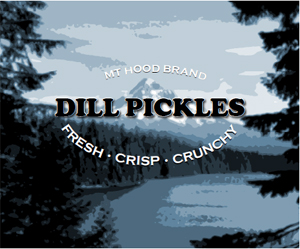
Canning Label

One of summer’s pleasures is its abundance of fresh fruits and vegetables. If you’re the grower, then along with the joy of eating summer’s bounty is the responsibility of making sure nothing goes to waste. Because we often harvest more than we can eat, canning is a common way to store summer foods for use later that year. After all, who doesn’t love receiving a nicely wrapped can of home-grown tomatoes or a jar of fresh strawberry jam?
Continue reading

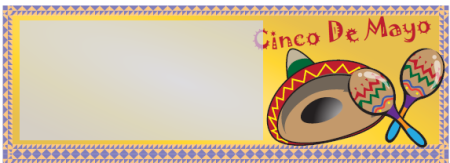
Free Cinco de Mayo Labels and Cards printable PDF

Cinco de Mayo (Spanish for “Fifth of May”) is a regional holiday in Mexico, primarily celebrated in the state of Puebla, with some limited recognition in other parts of Mexico.The holiday commemorates the Mexican army’s unlikely defeat of French forces at the Battle of Puebla on May 5, 1862, under the leadership of Mexican General Ignacio Zaragoza Seguín.

Continue reading

FastMailMerge: An Alternative OpenOffice.org Tool

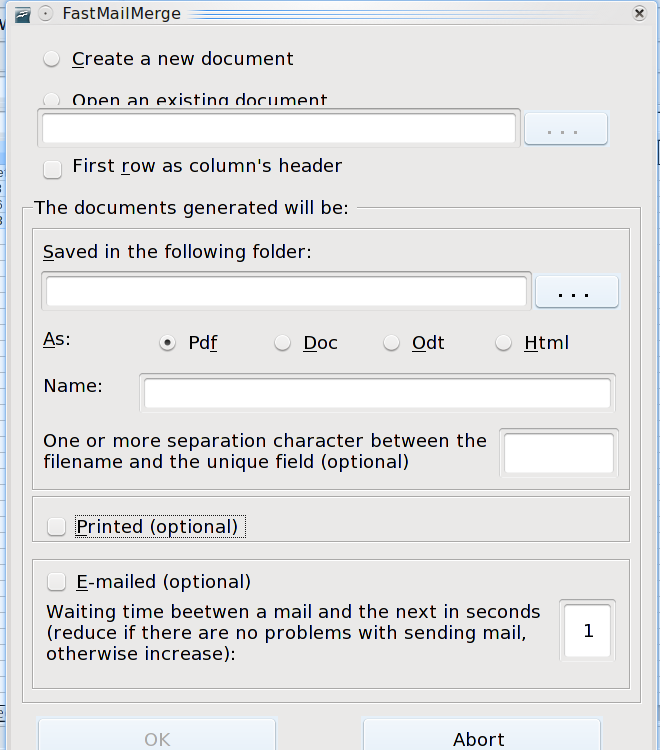
FastMailMerge is an OpenOffice.org extension for those who feel intimidated by other alternatives. Unlike the standard OpenOffice.org merge tools or KBarCode, and allows you to see what you are doing each step of the way.

Like any other extension, you can install FastMailMerge by downloading it, then opening Tools -> Extension Manager in OpenOffice.org. The next time you start OpenOffice.org, the extension is ready to use — but note that its icon is placed on Calc’s toolbar, because, even though it outputs to Writer and other text formats, FastMailMerge uses a spreadsheet as the data source.

Continue reading

How to create Brayered Labels & Cards by Korin Sutherland

Sweet and Sassy Stamps

Supplies:

  • Stamp set (I used Dream Silhouettes by Sweet ‘n Sassy Stamps)
  • Rubber Brayer (for info about brayers visit this site)
  • Worldlabel (or other brand) mailing labels: any size will do really, but for this particular card I used 1″x 2 5/8″ inkjet mailing labels
  • Kaleidacolor Ink pad by Tsukineko (I used Royal Satin) or other spectrum type pad (a solid color would work too if you don’t have the other kinds)
  • Black Ink (I used Memento Tuxedo Black by Tsukineko)
  • Cardstock: neutral and various colors to coordinate with your ink Embellishments

Continue reading

How to Remove Labels from Boxes and Jars

Do you like to recycle boxes and jars? If you do, you probably have been through the “I’ve gotta remove this label” routine at least once. You don’t want others to know your address if you reuse a box for mailing, and you want to use new labels on jars that you reuse for canning or storage. To help you out, we’ve included some tips below that will make this label-removing task a bit easier for you.

Continue reading

Printing Labels in Ubuntu

Like any other modern GNU/Linux distribution, Ubuntu has no shortages of software for printing labels. Many users content themselves with the label and mail merge features in OpenOffice.org Writer or in Abiword or KOffice. All these solutions will do a basic job, especially with text. But what if you want elaborate formatting or graphics with your labels? What if you want a smaller, dedicated program that is quicker to load than a complete word processor? In these cases, you should consider turning to gLabels instead.

gLabels

As you might guess by the name, gLabels is a program designed to run on the GNOME desktop. Specifically, it is designed for GNOME 2.16 or later, which means that it should work on any version of GNOME released in the last four or five years.

By Bruce Byfield

Continue reading

Free Easter Labels and Cards Printable PDF

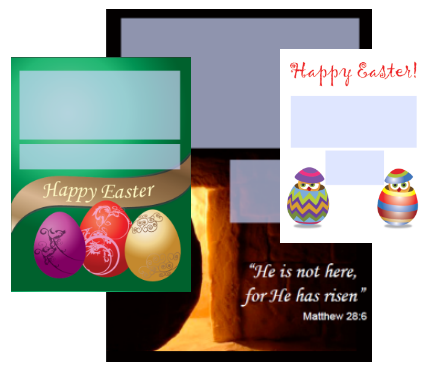
Easter (Greek: Πάσχα, Pascha) is the most important religious feast in the Christian liturgical year. Some Christians believe that Jesus was resurrected from the dead three days after his crucifixion. Many Christian denominations celebrate this resurrection on Easter Day or Easter Sunday (also Resurrection Day or Resurrection Sunday), two days after Good Friday. The chronology of his death and resurrection is variously estimated between the years 26 and 36 A.D.

Continue reading

Wedding Labels for Free in Fillable PDF

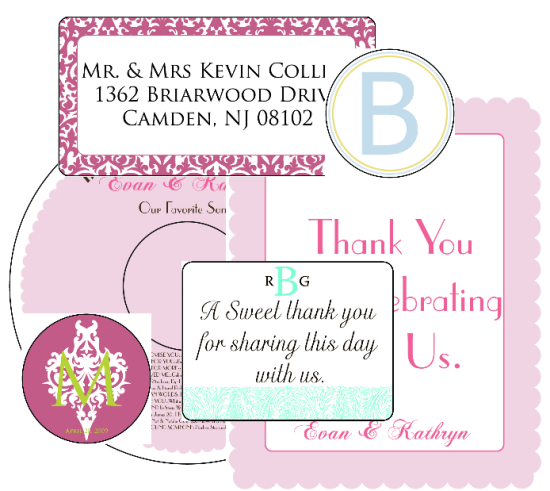
Are you stumped for ideas on your wedding labels? Worry no more! We’re offering free fillable Wedding labels in PDF label templates for U.S. letter-size label sheets. Wedding CD labels, mailing labels, wine labels, Monogram Sticker and more! Look below for links to download these free label templates.

Continue reading

How to use PDF Templates for Labels & Business Cards in Adobe InDesign (CS1-4)

The following article will help you use our PDF Label Templates in Adobe InDesign (CS1-4). The author, Anne-Marie Concepción, is Chicago’s top source for cross-media publication design and authorized Adobe InDesign, Photoshop, Illustrator, Acrobat and Quark training.

  1. Download the PDF template that matches the type of labels you’ll be printing on, and save the template to a convenient location, like your desktop. In the example you’ll be using throughout this tutorial, you’re printing out standard address labels, 30 per page, so you’ve downloaded the WL-OL875 template. For standard business cards, use this template WL-OL244. The general steps outlined here should work with any template, though of course the settings you’ll enter should be customized to your particular template.
  2. Continue reading